01 /
A gesture. A little connection.
Rub your cursor back and forth to scatter food. Watch nearby animals moving that way gather to eat.
A little ocean. A different pace.
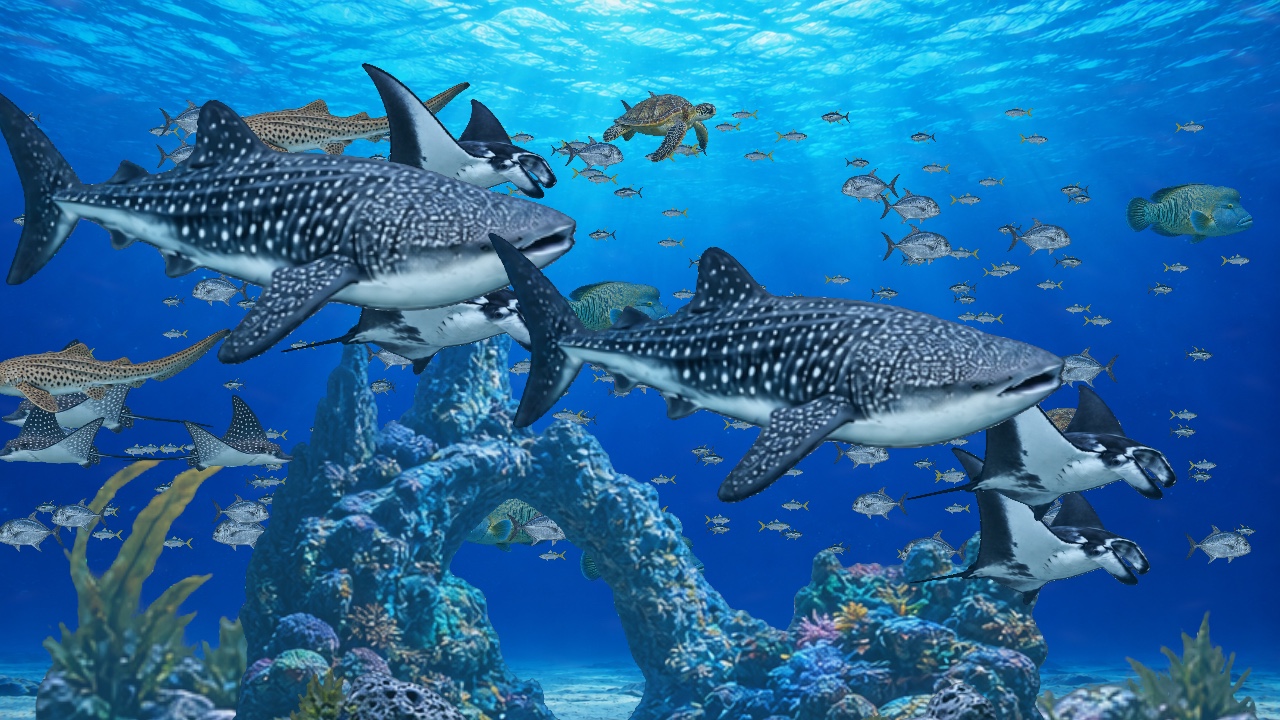
Whale sharks drifting past. A quiet café after hours. Sixteen living worlds, just beyond your screen.
Find your aquarium ↓
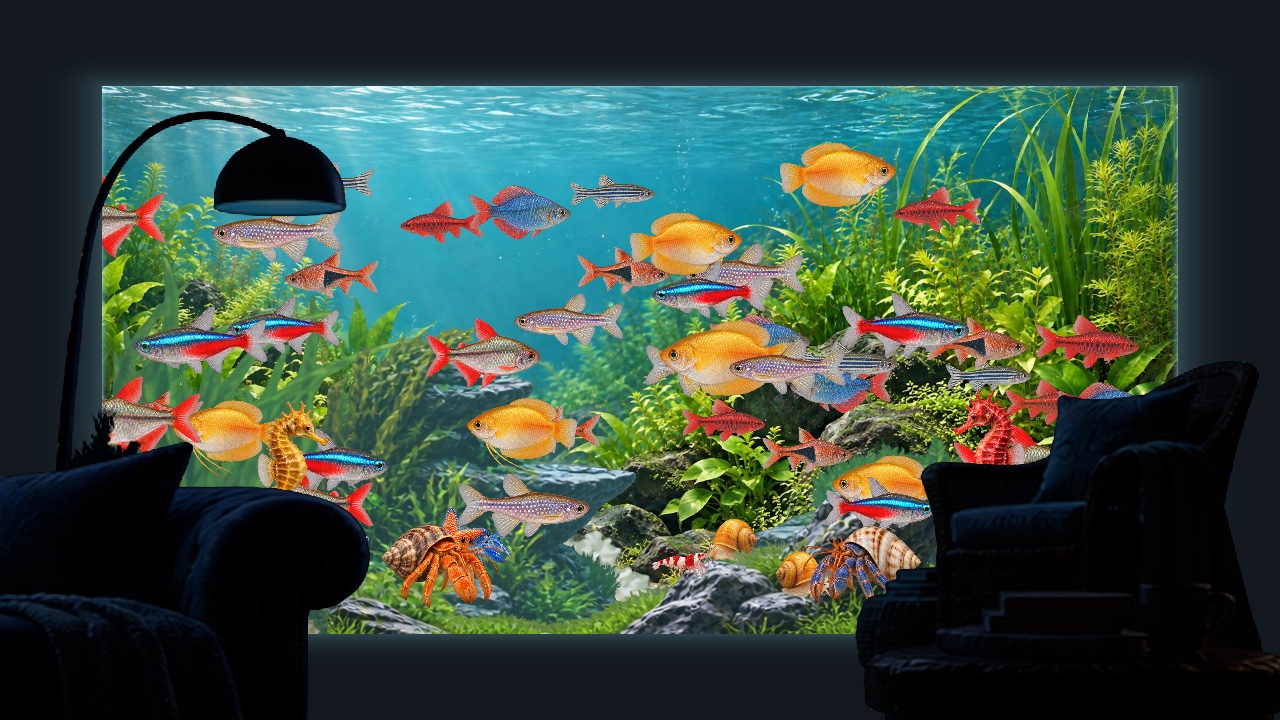
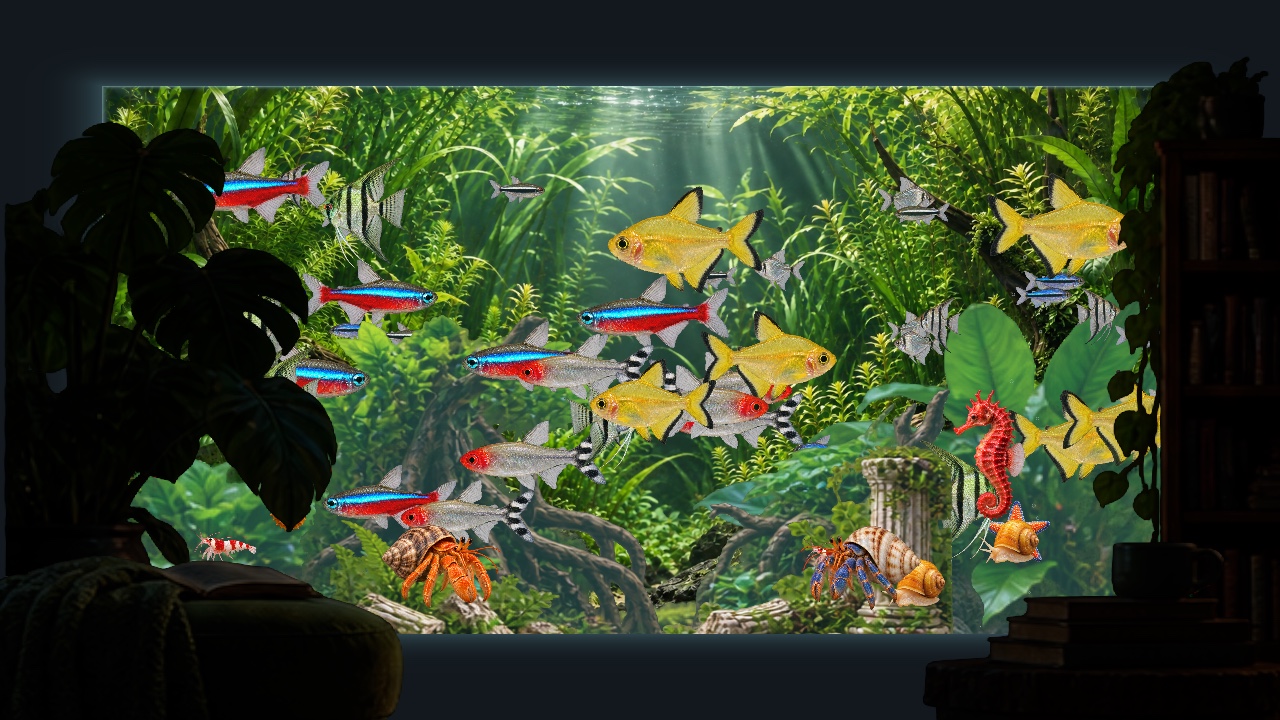
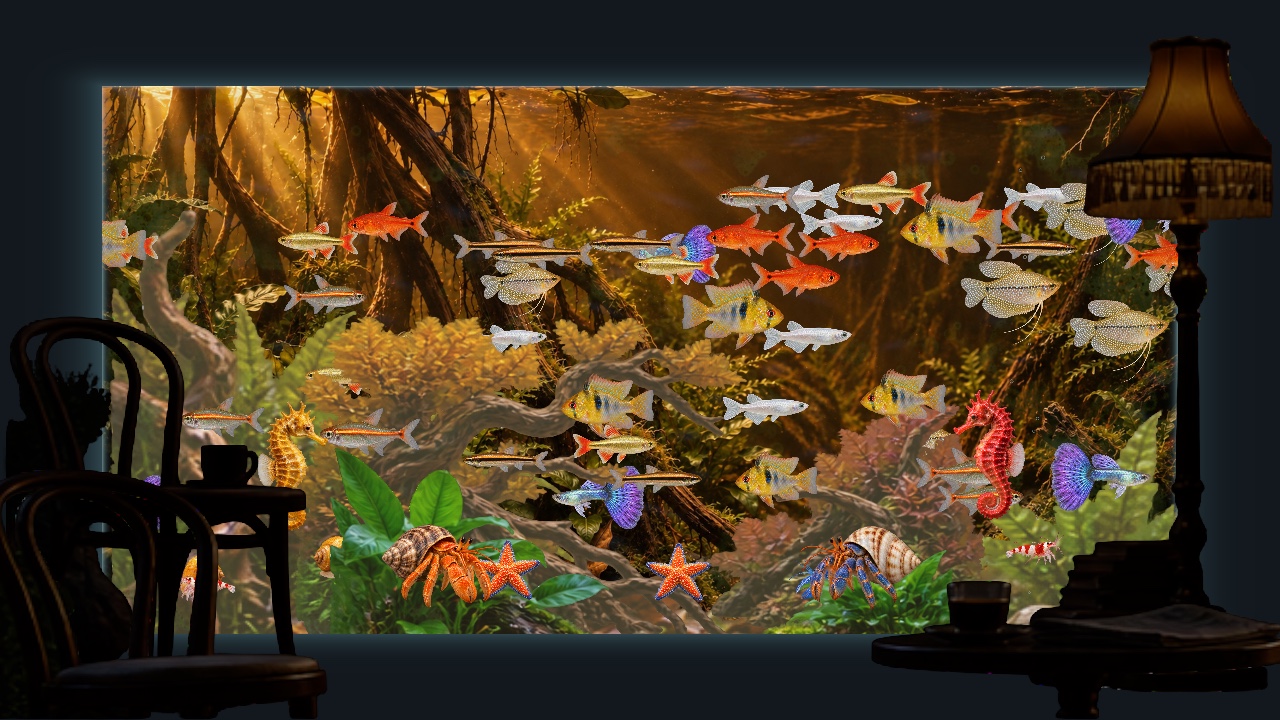
Eight grand aquariums and eight home & café tanks. Pick a view that feels like you.
Rub your cursor back and forth to scatter food. Watch nearby animals moving that way gather to eat.
Algae grows gradually on the glass. Sweep your cursor across it to reveal the view, one patch at a time.
Let the lighting follow your day, or keep your favorite hour. Place and style the clock right in Home.
A native macOS renderer, layered scenery and still previews in Home. Music is there when you want it.


These figures are published for Wallpets, not measurements of Walltank. Walltank 0.6 measured 5.59% average CPU and 209.02 MiB physical footprint with one aquarium running at 30 fps (M4 Pro, 24 GB, macOS 26.6.2, Debug; 20 one-second samples). Usage varies by scene, display and settings.
Source: Wallpets ↗Explore all 16 scenes for free with a text watermark. After 5 minutes, animals and scenery become silhouettes. Every Apply to Desktop restarts the 5 minutes.
Planned US$1.99. Local prices and taxes appear in the store. macOS and Windows purchases are separate.
 Download on theMac App Store
 Get it fromMicrosoft Store
Yes. All sixteen are available in the free app. Remove Watermark removes the text and timed silhouette effects.
Aquariums work offline. Radio, feedback, purchases and restoring purchases require a connection.
These are fictional, artist-created scenes inspired by the ocean. Walltank is not affiliated with real aquarium operators.
The Mac App Store and Microsoft Store releases are being prepared. The macOS app is under development; Windows will follow.