A little clarity. A deeper calm.
Everything you need to make yourself at home beneath the surface.
No matches. Try another word or contact us.
Getting started
What is Walltank?
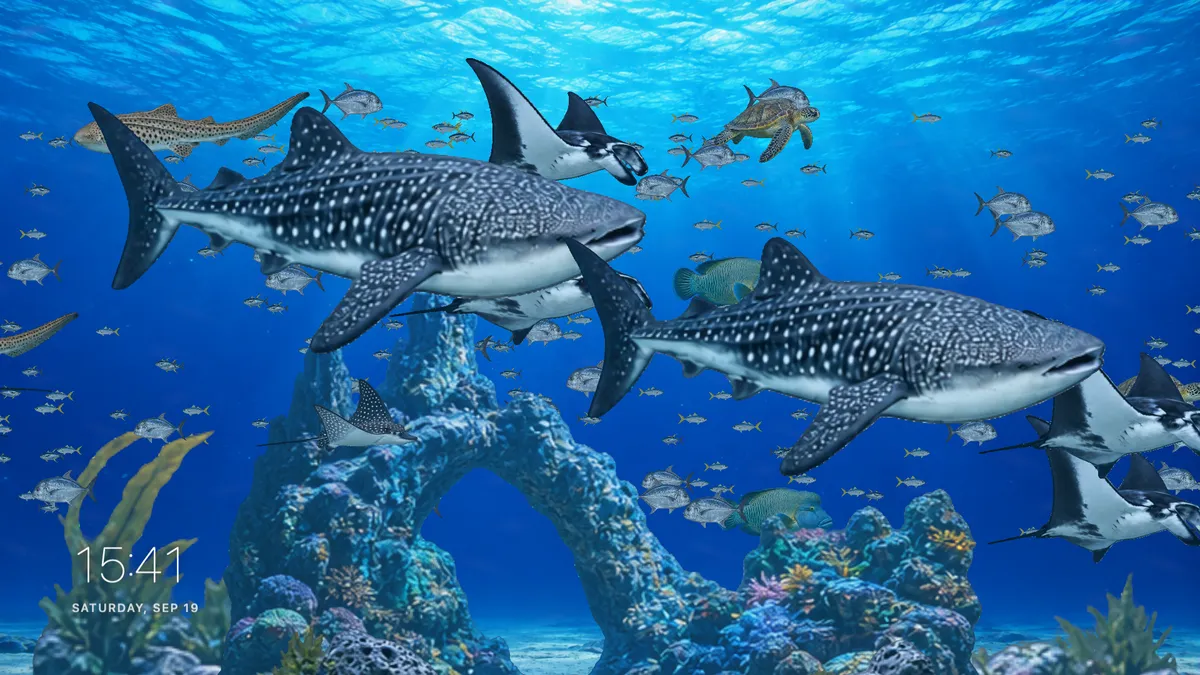
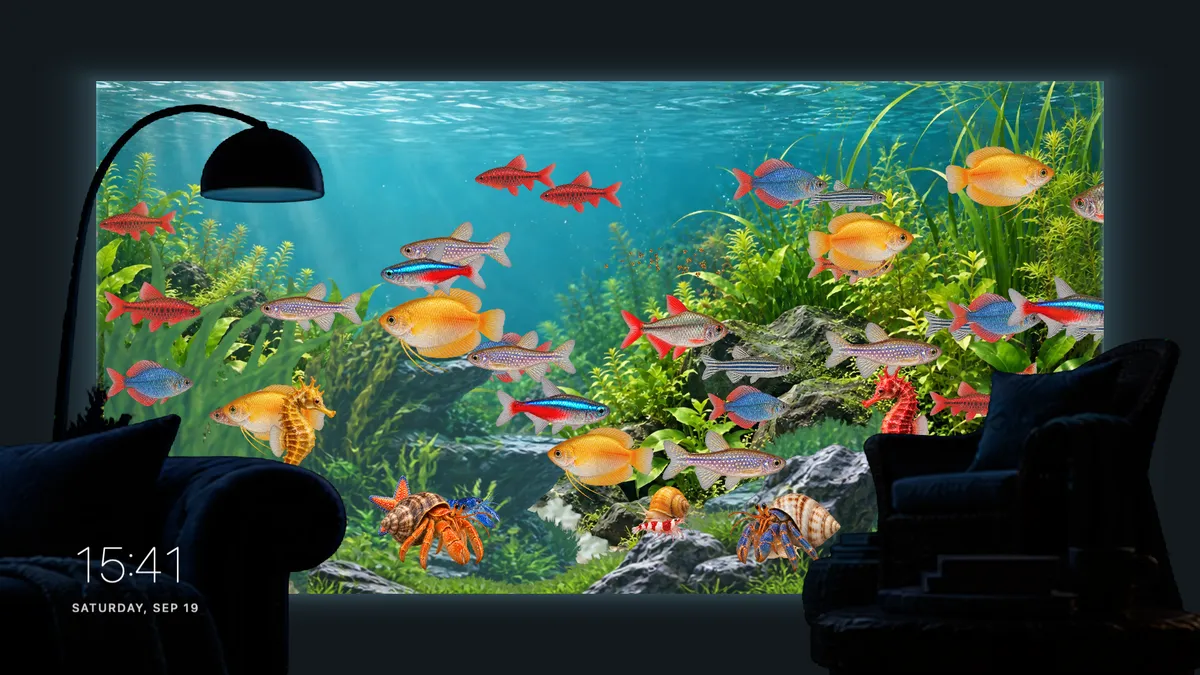
A living desktop aquarium with layered artwork, gently moving animals, lighting and a clock. Your apps stay in front of the view.
How many scenes are included?
Sixteen: eight grand aquariums and eight home or café tanks. The places and artwork are fictional, with no affiliation to real aquariums.
Where can I download it?
Mac App Store and Microsoft Store releases are coming soon. The badges on this website will link to each listing when available.
Which Macs are supported?
macOS 13 or later, on Apple silicon and Intel Macs. Choose your display and frame rate in Home’s Settings.
Purchases & watermarks
Can I try every scene for free?
Yes, all 16 scenes. The free version shows a text watermark; after five minutes, animals and scenery become shadow silhouettes.
Is Remove Watermark a subscription?
No. It is a US$1.99 one-time purchase. Your store shows the local price and taxes. Mac and Windows purchases are separate.
How do the five minutes and Shadow Mode work?
Each Apply to Desktop starts a fresh five minutes. Purchasing removes the timer and text watermark, and unlocks an optional Shadow Mode toggle.
How do I restore a purchase?
Use Restore Purchase in Settings with the same store account used to buy it. An internet connection is needed; purchases do not transfer between stores.
Little interactions
How do I feed the animals?
On the desktop, rub the cursor back and forth in one spot. Food scatters naturally; nearby animals already swimming toward it may gather.
How do I clean the glass?
Sweep the cursor over visible algae. Only the area you wipe clears, and untouched patches keep growing. Glass effects vary by scene.
Will the fish chase my cursor?
No. They keep a steady swimming direction, leave the screen and reappear on the other side. Food can attract animals already heading toward it.
Can I turn the gestures off?
Yes. Switch off Mouse feeding & glass cleaning in Settings. You can keep the aquarium as a quiet, hands-off background.
Make it yours
Can I move and change the clock?
Drag the clock in Home, or click it for five styles, size and 12/24-hour options. Apply to Desktop to update the view.
Can lighting follow the time of day?
Yes. Use automatic time-of-day lighting, or turn it off and choose a fixed hour with the slider.
Can I choose which screen to use?
Choose a connected display in Settings, then Apply to Desktop. If you unplug a screen, choose an available display again.
Can I hide the animals or decorations?
Use the scene controls to show or hide animals and the scenery group. The scenes are curated rather than individual animal editors.
Everyday use
How can I reduce resource usage?
Choose a lower frame rate or pause the aquarium. Home uses still previews. Actual CPU, memory and energy use vary with your screen and settings.
Does the aquarium work offline?
The included scenes work offline. Radio, support messages, purchases and purchase restoration need an internet connection.
What is K-garoo Radio?
An optional streaming music player. Press the record to play or pause; aquarium sounds are not required, and music does not start automatically.
Does Walltank require an account or track my cursor?
No Walltank account is needed. Cursor gestures are processed on your device. Feedback sends your message, optional email and limited diagnostics only when you send it.
A helping hand
Why is Home’s preview still, or Apply disabled?
Home uses a still image to save resources. An already-applied view stays selected; choose another scene or change its settings before applying again.
Why is my desktop aquarium not moving?
Check Pause / Resume and your selected display. After Stop Desktop, open Walltank Home and apply a scene again.
How do I change the language?
Walltank follows your system language by default. Choose another of the 16 languages in Settings; key menu names remain in English.
How can I report a problem or suggest a scene?
Open Help & Feedback in Home or the menu bar, or email support@walltank.app. Describe your device and what happened; never include passwords.